Blog · May 28, 2026
Building a WooCommerce B2B Shop: The Ultimate Guide for Wholesalers & Manufacturers
How to build a successful WooCommerce B2B shop: the best plugins, ERP integrations & net prices for wholesalers.
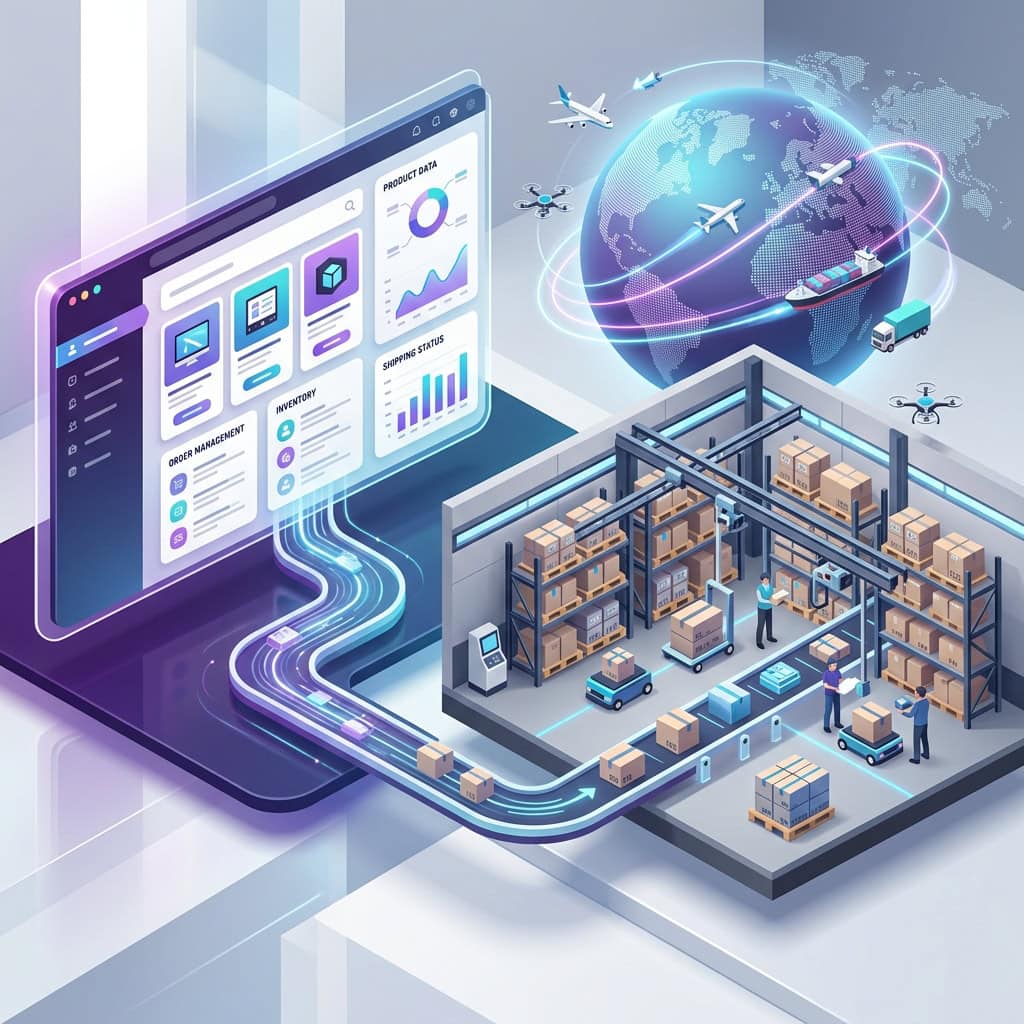
B2B e-commerce is booming. More and more wholesalers, manufacturers, and B2B service providers are realizing that fax orders and PDF catalogs are long outdated. Today, buyers expect the same seamless ordering experience they know from the B2C world. But the technical requirements for a B2B online shop are massive: net prices, complex discount tiers, closed user areas, and deep integration into existing ERP systems.
Can WordPress handle this? The short answer is: Yes, WooCommerce can do B2B – if it is configured correctly.
In this guide, as an experienced WooCommerce freelancer from Munich, I will show you what really matters when you want to build a professional WooCommerce B2B shop, which plugins are indispensable, and how to avoid pitfalls with ERP integration.
Is WooCommerce Suitable for B2B? (The Expert Assessment)
When companies look for a shop system for wholesale, names like Shopware, Magento, or Spryker often come to mind first. But these enterprise solutions often come with considerable licensing costs and inflexible development cycles.
WooCommerce – the powerful e-commerce extension for WordPress – offers an extremely attractive alternative here. More than 30% of all online shops worldwide run on WooCommerce. But is a system that was primarily developed for end customers (B2C) strong enough for complex B2B structures?
Pro: What Speaks in Favor of a WordPress B2B Shop
- No licensing costs: WooCommerce is open source. You don’t pay for the system itself, only for hosting, development, and maintenance. This massively lowers the TCO (Total Cost of Ownership).
- Extreme scalability: Thanks to the open REST API, almost any external system (PIM, CRM, ERP) can be connected.
- Full data control: You host the shop on your own servers. With SaaS solutions, you hand over data sovereignty.
- Flexible design: Thanks to modern page builders, the frontend can be tailored exactly to your corporate design.
Con: Where WooCommerce Hits Its Limits Out of the Box
- B2C by default: Out of the box, WooCommerce is not designed for pure net prices, company registrations, or tiered pricing.
- Plugin dependency: To retrofit B2B functionality, you need a professional plugin architecture. A shop carelessly clicked together quickly becomes extremely slow with large product catalogs.
Conclusion: WooCommerce is excellently suited as a B2B platform. However, building a WooCommerce B2B shop absolutely requires the hand of an experienced developer who sets up the right architecture.
The 5 Most Important Features for a WooCommerce B2B Shop
When you build a WooCommerce B2B shop and set up a wholesale operation, the standard features are not enough. The following five core functions must be technically implemented flawlessly:
1. Net Prices and Dynamic Price Tiers
In the B2B business, almost no one pays the list price. You need role-based prices. This means: when customer A (dealer level 1) logs in, they see a 10% discount on the entire range. Customer B (large-volume buyer) sees individual product prices and quantity discounts (tiered prices). All prices must be clearly displayed in the frontend as net prices excluding VAT.
2. EU VAT ID Validation (VIES)
For B2B trade within the EU, the reverse-charge procedure (reversal of tax liability) applies. During registration or at checkout, your shop must validate the buyer’s VAT identification number live via the VAT Information Exchange System (VIES) of the European Commission and, if valid, automatically set the VAT in the cart to 0%.
3. Closed Shop & Dealer Registration
Often, prices or even the entire product range should remain hidden from competitors or end customers (B2C). A B2B shop often requires a so-called „hidden shop“ or „private store“. Customers must go through a registration process. Only after you (the shop operator) have manually checked and approved the account can the customer log in and see the B2B prices.
4. Complex Shipping and Freight Costs
Euro pallets cannot be shipped at the standard parcel rate. B2B shops often require dynamic freight cost calculations based on weight, volume, or number of pallets. Often the standard shipping must be completely replaced by „pickup ex works“ or „freight forwarding (costs on request)“.
5. Purchase on Account and B2B Payment
While PayPal and credit card dominate in B2C, purchase on account (with a payment term, e.g. net 30 days) is the standard in B2B. In addition, SEPA business direct debits are often required. Credit checks via credit agencies must be seamlessly integrated into the checkout.
Which B2B Plugins for WooCommerce Are the Best?
To cover these complex requirements, there are hundreds of plugins on the market. As a WooCommerce expert, however, I warn against installing a separate small plugin for every function („plugin graveyard“). This destroys loading time (performance) and leads to conflicts. Instead, rely on comprehensive all-in-one B2B suites.
The market leaders are:
- B2B Market by MarketPress: Very strong for the DACH region. Since it comes from the same company as the legal-compliance plugin German Market, the two harmonize perfectly and implement complex tax requirements flawlessly.
- B2BKing: The international bestseller. Offers extremely detailed configuration options for tiered prices, registration forms, and „Request a Quote“ functions.
My recommendation from practice:
For B2B use in Germany, WooCommerce absolutely requires a legal-compliance plugin like German Market or Germanized in order to comply with the Price Indication Ordinance (PAngV) when switching between net/gross.
If you operate primarily in the DACH region, the combination of WooCommerce + German Market + B2B Market is usually the cleanest, since both plugins come from the same company (MarketPress). If you are growing strongly internationally and need very complex tiering, I prefer to fall back on B2BKing in client projects, because its code base and REST API are significantly more flexible for developers.
Connecting ERP Systems to WooCommerce (SAP, Xentral, JTL)
When you build a WooCommerce B2B shop, a system without ERP integration is like a sports car without an engine. If orders, stock levels, and invoices are still typed in by hand, the business won’t scale.
The true strength of WooCommerce lies in its excellent REST API. This enables bidirectional synchronization with almost any ERP system (such as SAP, Xentral, JTL-Wawi, or Weclapp).
How does the integration work?
- Product data & stock (ERP ➡️ Shop): The ERP system is the „single point of truth“. If a price or stock level changes in the ERP, this is transmitted to WooCommerce via API in real time or by cron job.
- Orders & customers (Shop ➡️ ERP): As soon as a dealer completes an order in the WooCommerce shop, the order record is immediately pushed to the ERP. There the invoice is generated and fulfillment is triggered.
Especially with large B2B catalogs (50,000+ items), a high-performance integration is essential so that the server doesn’t buckle during product synchronizations.
What Does a Professional WooCommerce B2B Shop Cost?
One of the most common mistakes mid-sized companies make is underestimating the cost of a B2B setup. A professional B2B shop is significantly more complex than a normal end-customer shop.
In professional implementation as a freelancer project, a B2B extension for WooCommerce costs on average between €3,500 and €8,000, depending on the ERP interface.
This price usually does not include the basic design but focuses on programming the interfaces, testing the tax rates, implementing the registration workflows, and performance optimization. Compared to proprietary enterprise platforms, where B2B setups often start only at €30,000, WooCommerce is, however, an extremely economical lever.
Conclusion: Your Next Step Toward Digital Wholesale
Building a WooCommerce B2B shop is not a task for hobby tinkerers. It requires a deep understanding of German tax law (reverse charge), server-side performance optimization with large product databases, and clean API management for the ERP integration.
However, if the architecture is set up cleanly from the start, WordPress in combination with WooCommerce offers one of the most powerful, scalable, and cost-efficient B2B platforms on the entire market.
Would you like to build a WooCommerce B2B shop or extend an existing B2C system for your dealers?
As an experienced WooCommerce agency in Munich and specialist for WordPress web design, I am happy to support you with the technical conception and implementation. Let’s talk about your architecture, your ERP systems, and your goals.