 General
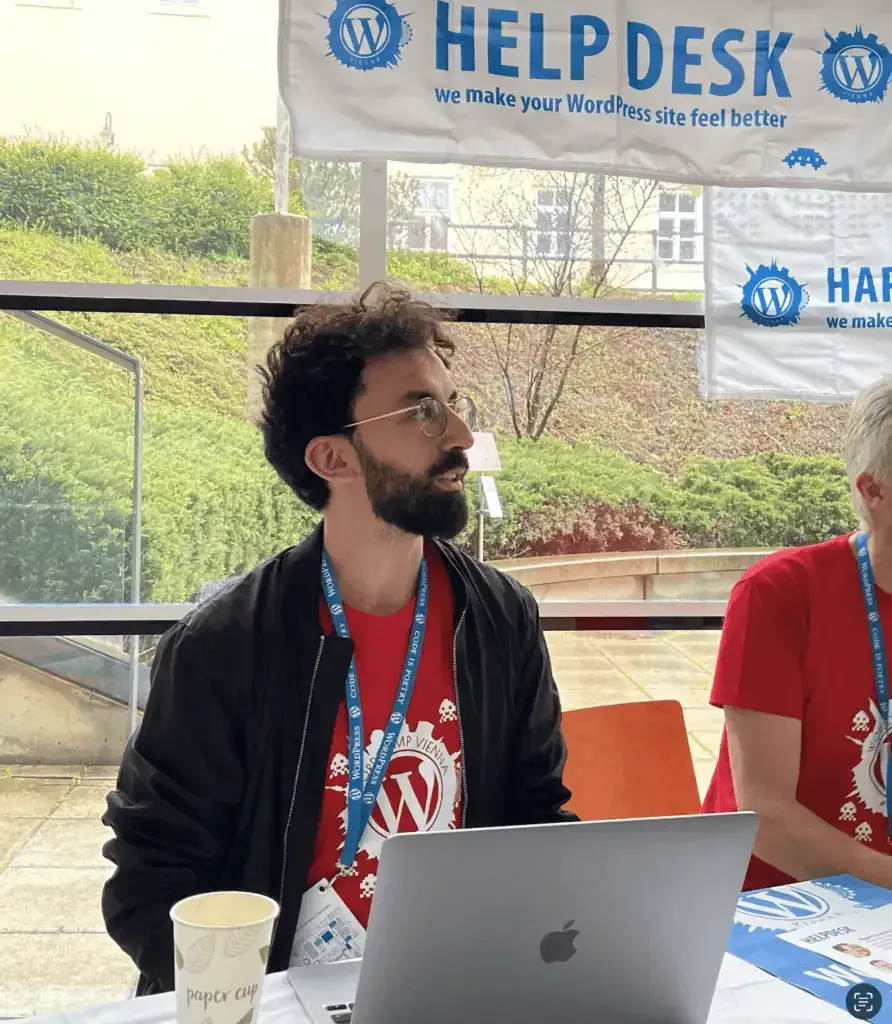
 WordPress Events 2026 - Second Half of the Year
WordPress events in the second half of 2026: WordCamps in Europe until December, meetups in Germany, Austria and Switzerland, livestreams and 2027.
Read more »October 15, 2026
 Florian Salman, WordPress expert
 Top-rated by clients on Google
Hello! I am Florian Salman, a WordPress freelancer and developer with over 12 years of experience, WordPress community member and coding enthusiast - specialised in the development and programming of WordPress and WooCommerce. Let's implement projects together that are long-lasting and moving!
Instant project enquiry



Hello! My name is Florian Salman, your WordPress freelancer and programmer straight from Munich. I am glad to tell you more about me and my skills.
My journey began with a degree in computer science at TU Munich, after which I worked for several years as a full-stack developer in the field of online shops.
In 2018, I decided to throw myself fully into self-employment and specialised in WordPress. Since then I have written countless lines of code, developed my own plugins, provided support within the WordPress community and helped start-ups such as HTMLHELD and WP Bug Detector to grow.
As a WordPress specialist, I focus exclusively on the technical aspects of WordPress and WooCommerce. When it comes to WordPress, I have gathered extensive experience and know my way around just about every plugin, page builder and theme.
My offering includes the design and maintenance of high-performance websites and online shops, including complex integrations and custom plugin development. Whether it is about smaller tasks or extensive projects, I am at your side as a technical partner.
I am convinced that successful projects are based on strong communication. That is why, alongside my technical know-how, I place particular emphasis on an open way of communicating and closeness to my clients. Do not hesitate to get in touch with me for a first conversation.
Whether in Elementor, Divi or Gutenberg – I build professional websites that are implemented exactly to your design specifications. With an eye for detail, I make sure every page is not only aesthetically appealing but also functional. As a WordPress freelancer, I use exclusively best practices and state-of-the-art plugins and themes. My goal is to turn your vision into a fully functional website.
More about web designWhether Advanced Custom Fields, functions.php extensions or something entirely new – I offer specialised WordPress programming for custom functionality. Whether it is about developing tailor-made plugins or themes, I have the expertise. My solutions are not only powerful but also user-friendly and durable. I work closely with you to make sure your website meets your requirements exactly.
Based on your designs, I implement powerful and scalable shop systems. The focus is on a smooth user experience and optimal conversion rates.
More about WooCommerceIf you are an agency and need external support: as an extension of your team I reliably deliver high-quality WordPress solutions – flexible, technically up to date and on time. That way you expand your capacity without compromising on quality.
More about working with agenciesAfter going live, I ensure the technical stability and performance of your systems through proactive monitoring and timely security updates.
More about support and maintenanceDo you have a project? Feel free to write to me with your request!
Instant project enquiryA selection of brands and projects I have had the pleasure of accompanying.

Well known in the field of education and entertainment. As a WordPress freelancer, I helped with the migration of the extensive metaverse milc.
↗
A top-tier publisher of the world's best games. As a WordPress developer, we migrated landing pages for game promotions to Elementor-based templates.
↗
As a manufacturer of ERP systems, Microtech stands for quality. We developed a comprehensive WordPress product configurator that helps to find the right product.
↗
The German pioneer in the vegan cooking scene. My role as a WordPress developer is to continuously maintain and optimise the much-visited website.
↗
The luxury shopping mile in Munich experienced a seamless relaunch. We migrated the website from Typo3 to WordPress while keeping the design.
↗
A world-renowned fashion manufacturer. As a WordPress expert, I ensure the smooth operation of the WordPress-specific websites.
↗
Your health department store on the internet. WordPress support and the continuous further development of the extensive online shop characterise my work as a WordPress freelancer.
↗
As the largest private TV broadcaster in Germany, ProsiebenSat.1 stands for entertainment. My support as a WordPress programmer was used in the relaunch of various WordPress-related websites.
Years of experience as a developer
10+ years
WordPress projects supported
200+ projects
Cups of coffee drunk while working
3.000+ coffees
For a better understanding of my specialisation, you will find selected case studies here.
For many of my clients I offer monthly long-term care for small and large changes, as well as for technical upkeep (updates, bug fixing, emergencies).
That gives them a permanent partner who takes every WordPress problem off their hands and implements changes directly, without lengthy briefings.
I am frequently booked by marketing agencies as a WordPress freelancer to help out in the background with the more technically demanding work. The collaboration therefore usually spans more than a single project.
In the rarest of cases it stays with one WordPress project. This creates a long collaboration between me as a WordPress freelancer and the marketing agency.
Originally built in a different framework, the website mietwagen-auskunft.de with more than 900 sub-pages was rebuilt pixel-perfect for WordPress. Maintaining the sub-pages was set up sensibly and works across the whole site without any coding knowledge.
For thestars.de a product configurator was to be created so that shop customers can generate their personal night sky.
A plugin was built here that — based on the user input and the integration of a dynamically generated night sky (also based on user input) — produces a valid browser preview plus a printable poster.
More than a dozen interfaces were planned for the platform in order to import the required data from various online shops consistently and regularly, and to present it to the end customer for comparison.

Are you looking for an experienced web design WordPress freelancer in Munich who develops or maintains WordPress websites that are not only visually appealing but also technically flawless? With over 12 years of experience in professional web development and as a specialised WooCommerce expert, I help companies become measurably more successful digitally. From the first concept through high-performance, tailor-made layouts to ongoing technical support – with me, as a local partner in Bavaria, you get everything reliably from a single source.
Instant project enquiryWith WordPress you can create blogs, corporate websites, online shops, membership platforms and much more. It offers a wide range of customisation options through themes and plugins. The platform is flexible and suitable for a variety of web projects.
Yes, WordPress is fundamentally secure if regular updates are carried out and proven security practices are followed. Using security plugins and SSL certificates can further increase security.
Yes, WooCommerce is a popular and versatile e-commerce platform for WordPress. It is especially suitable for small to medium-sized online shops and offers numerous customisation options through plugins and themes.
Updates for WordPress, themes and plugins are released regularly. It is recommended to check at least once a month whether updates are available, in order to ensure security and functionality.
WordPress support usually includes regular updates, security checks, backups and fixing technical problems. In addition, performance optimisation, SEO adjustments and content updates can be part of the service.
We all know how full the calendar can get. That is why I have put together a list of the most important tasks here that you can do entirely yourself without a WordPress freelancer. The instructions are deliberately kept brief to save you time.
After every relaunch, the following aspects should definitely be checked:
The server cache stores data on the server in advance to improve the loading times of the website. Usually this cache is managed by a WordPress plugin and updates itself automatically when the website changes. If this does not happen, the cache has to be cleared manually. As an administrator you will find the corresponding option in the upper navigation bar, often under labels such as "Clear Cache", "Purge Cache" or "Flush Cache", or directly in the settings of the caching plugin.
Caution: two caching plugins do not bring a double effect, but block each other and significantly limit the website speed.
The selection of page-speed plugins is varied and expert opinions on them differ. Here are my recommendations:
Main recommendation: WP Rocket
Server caching: Activates automatically when the plugin is installed.
Lazy loading for images: Can be enabled manually in the settings.
JavaScript defer and deferred loading: Also activatable manually, but be careful, as in individual cases errors may occur.
Content Delivery Network (CDN): Can be set up after installing the plugin.
Other recommended measures:
These measures form the basic framework for better page performance and are among the so-called "low-hanging fruits" in page-speed optimisation.
If you want to select a WordPress plugin for commercial purposes, there are various criteria you should consider to ensure the plugin is reliable, secure and efficient.
Plugin recency: Check when the plugin was last updated. A plugin that is updated regularly shows that the developer is active and fixes any security vulnerabilities or bugs promptly. If the plugin has been updated within the last month, that is a very good sign.
Plugin support: Check how many support requests and how many replies there have been in the last month. Ideally both numbers are high.
Active installations: See on how many other WordPress websites the plugin is still installed. This number should be as high as possible.
Plugin developer: Take a look at who developed the plugin. A reputable company as the developer is often an indicator of higher quality and reliable support. Individuals can also develop excellent plugins, but a company often brings more reliability in the long run for consistent support and further development.
There are many ways to translate WordPress, but my favourite in most cases is the plugin WPML. Usually you can install it and set it up quickly, so that you already get 80% of the content translated yourself within a few minutes.
Advantages of WPML:
Clarity: WPML clearly shows which sub-pages have already been translated.
Separate design and translation: By using a translation table you can translate text blocks without having to change the design of the page.
Automatic translation: The plugin also offers the option for automatic translations.
For more complex websites the CMS variant is best suited, while for simple websites the Basic variant is often sufficient.
There is a very large selection here. My current recommendation is, among others, Cookiebot. It is a simple and cost-effective option among the available cookie plugins.
Here is how you set it up yourself:
Registration: Visit the Cookiebot website and register for an account. The cheapest version is usually sufficient.
Installation: After registering, install the Cookiebot plugin on your WordPress website.
Account linking: Open the plugin in your WordPress dashboard and link your Cookiebot account to your website.
Banner customisation: Log in to your Cookiebot account and personalise the appearance of the cookie notice banner.
Cookie categorisation: Cookiebot scans your website and categorises the cookies found into "Necessary", "Marketing" and "Statistics", usually within 24 hours.
Privacy policy: Insert the shortcode [cookie_declaration] into your privacy policy to automatically list the detected cookies there.
Note: I do not guarantee that Cookiebot captures all cookies correctly or categorises them correctly. Its use should be reviewed by your data protection officer and is at your own risk.
Implementing Google's services has never been easier. Some time ago Google released the WordPress plugin Google Site Kit for this.
Simply install the plugin and link it with your Google accounts. With that the basic setup is already complete.
The security of your website is of the utmost importance. A clear recommendation for this is the WordPress plugin Wordfence. After installing the plugin, you create a free account on the website. Right after activation, Wordfence already sets up many relevant security measures that protect you broadly. The plugin also has numerous options to secure the website even further.
Every website, no matter how big or small, should have backups. Often the host makes its own backups, but you should not rely on that. A clear recommendation for a backup plugin is the WordPress plugin UpdraftPlus.
The advantages of UpdraftPlus:
Backups on your own server or in the cloud: You can back up your data to various cloud storage services such as Dropbox, Google Drive and Amazon S3.
Scheduled backups: Set up monthly, daily or hourly backups.
Easy restoration: In the event of a hack, server failure or human error, you can restore your WordPress website with just a few clicks.
Of course there are numerous backup alternatives.

Contact
Do you have a project? We can gladly discuss a joint implementation. On working days I respond within 24 hours.
Get in touch with meHere, as a WordPress freelancer, I regularly share reports about events, useful guides and relevant WordPress news that could be of interest to you.
General WordPress events in the second half of 2026: WordCamps in Europe until December, meetups in Germany, Austria and Switzerland, livestreams and 2027.
Read more »October 15, 2026
 Guide
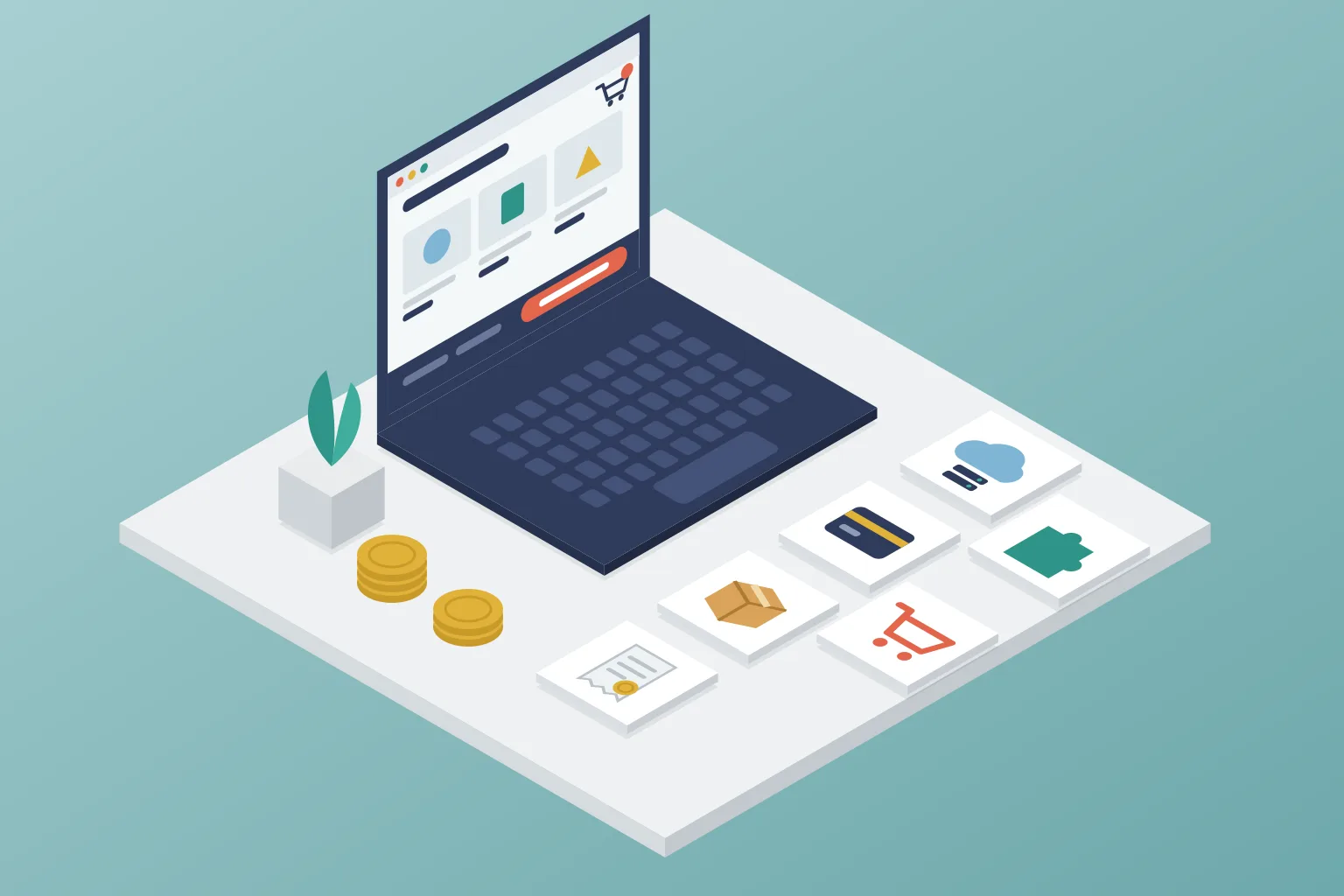
Guide What a WooCommerce store costs: hosting, licences, payment fees, legal duties in Germany, the cost drivers of the build and a sample calculation.
Read more »October 12, 2026
 Guide
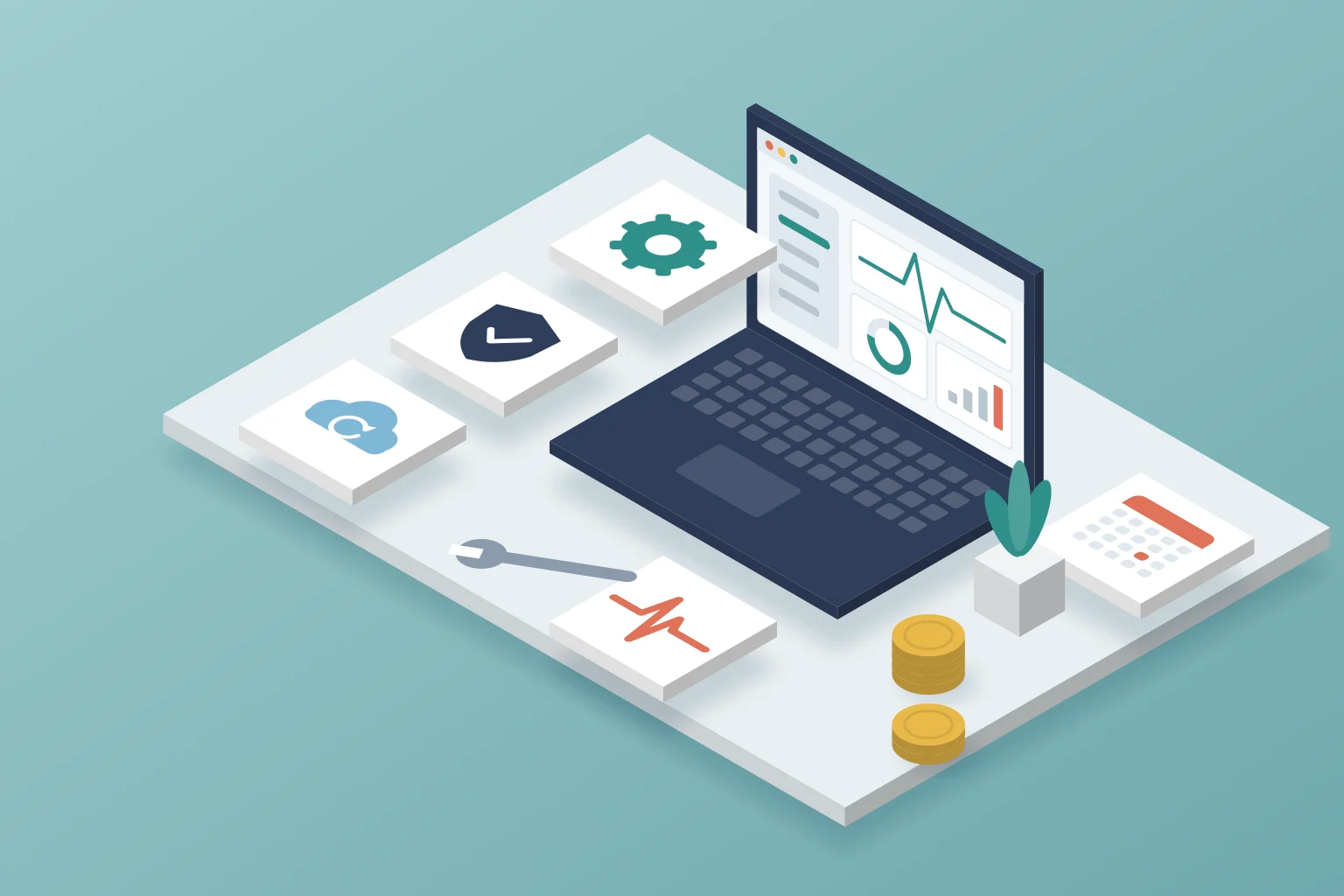
Guide WordPress maintenance: what it costs on the market, what belongs in a maintenance contract and who can take it on. Plus: flat fee or billing by effort?
Read more »October 7, 2026
Contact form
On working days I respond within 24 hours.

Florian Salman
Replies within 24 hours on working days
This form reaches me directly. Write to me about anything to do with your website. On working days I reply within 24 hours, faster in an emergency.