Online Shop Relaunch with WooCommerce: Process, Data Migration and a Safe Go-Live
Relaunching an online shop with WooCommerce: what happens to customers and orders, which URLs to redirect and how to go live without losing anything.
Contents
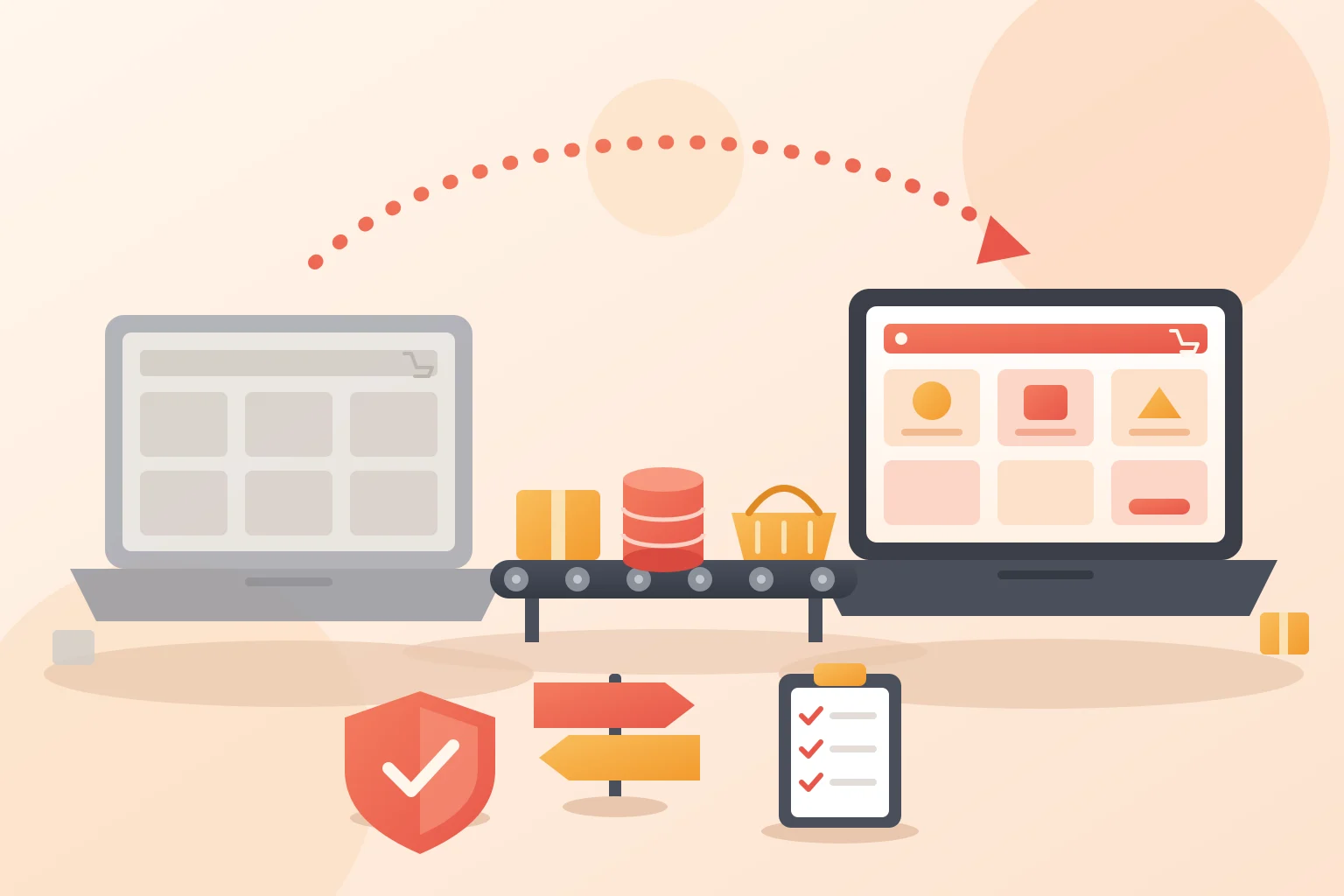
An online shop relaunch renews the design and technology of a shop that is already selling. That can happen on the same system, for example a WooCommerce shop with a new theme, a new checkout and a cleaned-up plugin list, or together with a move to a different shop system. Either way the same rule applies: customers, orders and Google rankings must not get lost during the rebuild. That is why the new shop is built on a copy, every old URL gets a redirect, and the go-live follows a plan that also picks up the orders of the last few hours.
For context: I am a WooCommerce developer, so this guide looks at the relaunch from the WooCommerce side. Some of the building blocks appear in the projects on this site, for example the connection to the Bexio ERP in the Dronesolutions AG shop, or the redirect management and error monitoring in the QChefsDental shop. If you want to move from WooCommerce to Shopify, the guide Moving from WooCommerce to Shopify and back is the better read.
Signs that a relaunch is due
- The theme no longer gets updates, or every new WooCommerce version breaks the layout somewhere.
- The server runs a PHP version that WooCommerce no longer recommends.
- Orders are still stored in the old WordPress post tables instead of the dedicated order tables (HPOS).
- The checkout dates from before the checkout blocks, and new payment methods depend on add-on plugins.
- The shop is slow or cluttered on a phone.
- There is a plugin for every small thing, and nobody knows exactly which one does what.
One point alone is no reason for a relaunch. New colours, images or copy can be done while the shop keeps running. If three or more points apply, it pays to renew everything in one project instead of patching piece by piece.
Relaunch on the same system or switch shop systems?
| Your situation | What it means for the relaunch |
|---|---|
| Your shop runs on WooCommerce, design and technology are outdated | Relaunch on the same system. Products, customers, passwords and orders stay in the database; theme, checkout and plugins are replaced. |
| Your shop runs on Shopware, Gambio, JTL-Shop or Shopify and should move to WooCommerce | Platform change. Products, customers and orders are exported and imported, and almost every URL changes. |
| Your shop runs on WooCommerce and should move to Shopify | Platform change in the other direction. What comes along is covered in the migration guide. |
| Only the look and the copy should change | A redesign in the running shop, not a relaunch. |
What gets renewed under the hood of a WooCommerce shop
On a relaunch within the same system the data stays, but a lot underneath is replaced. These four points belong on every list.
Switch orders to HPOS
Since WooCommerce 8.2, new installations store orders in dedicated tables, the High-Performance Order Storage (HPOS). Older shops have to switch themselves, as the WooCommerce documentation explains. The relaunch is a good moment for it because every plugin is being checked anyway. How the switch works and how to go back if a plugin does not cooperate is covered in Switching WooCommerce to HPOS.
Checkout blocks instead of the old checkout page
Shops started after WooCommerce 8.3 in November 2023 use the cart and checkout blocks from the start, according to WooCommerce. Older shops usually still have the classic checkout page. Switching is worth it during a relaunch, but only if every payment method, the legal plugin and custom fields work in the new checkout. Check that on the copy with real test orders.
PHP and server
In its server requirements, WooCommerce recommends PHP 8.3 or newer (tested up to PHP 8.4), WordPress 6.9 or newer and MySQL 8.0 or MariaDB 10.6. According to WooCommerce, older versions still work but have reached their official end of life. How quickly an old PHP version becomes a risk was shown by the PHP2Shell vulnerability in October 2026.
Clean out plugins
I go through every plugin one by one: is it still needed, is it maintained, does it work with HPOS and the block checkout? Whatever the new theme or WooCommerce itself can do goes. Every plugin less is one update less and one possible security hole less.
What data comes along and what can get lost
On a relaunch within the same WooCommerce install the database stays, and with it everything in this table: products, customer accounts with their passwords, orders, coupons, reviews and subscriptions. On a move from another system, the migration tool decides what arrives:
| Data | On a platform change |
|---|---|
| Products and variants | CSV or plugin |
| Customer accounts | via plugin |
| Passwords | usually reset |
| Order history | plugin only |
| Coupons | recreate |
| Reviews | import or redo |
| Subscriptions | ask your provider |
For products, check variant attributes, unit prices and delivery times one by one, as they often live in plugin fields. In WooCommerce, customers are WordPress users. From another system, name, email address and addresses come along if the tool reads them. Whether the passwords come too depends on the old system and the tool. Expect customers to set a new password and plan the email for it.
On a platform change the order history needs a migration plugin. Without it, customers miss their old orders in their account, and you lose the basis for returns and invoice corrections. Collect open coupon codes before the go-live so they work again in the new shop.
Product reviews are comments on the product in WooCommerce. Reviews from an external service depend on its integration and must be added to the new theme. Running subscriptions, for example with WooCommerce Subscriptions, charge via payment data held by the payment provider. On the same system they stay untouched as long as the payment plugin and account stay the same. Before a platform change, clarify it with the payment provider.
Redirect product and category URLs
Every product and category page has a URL that Google knows and that appears in links, price comparison sites and old newsletters. WooCommerce builds these URLs from a base you set in WordPress under Settings, Permalinks, for example /product/name/. If the relaunch changes that base, the category structure or the shop system, every one of these URLs changes.
Every old URL therefore gets a 301 redirect to the matching new page: product to product, category to category, never everything to the home page. According to Google, 301 redirects do not cost PageRank and should stay in place for as long as possible, generally at least one year. For medium-sized sites it can take a few weeks or more until Google shows the new URLs instead of the old ones.
Take the list of old URLs from the sitemap, from Search Console and, if available, from the server logs. Also think of product images that bring visitors via image search, and of linked URLs with filters. How to build the redirect list step by step is shown in the guide on moving between WooCommerce and Shopify. The process applies to any platform change.
Check German legal requirements again in the new shop
If you sell to consumers in Germany, German law adds duties that a new theme or checkout can quietly break. Check on the copy:
- Unit prices, delivery times and tax notes on products and in the cart. In WooCommerce they usually come from Germanized or German Market, and how they display depends on the theme.
- The label of the order button: German law (§ 312j BGB) requires the words “zahlungspflichtig bestellen” (order with obligation to pay) or an equally clear wording.
- The withdrawal button, mandatory since 19 June 2026 for every shop selling to consumers. How to set it up and test it is covered in EU Withdrawal Button in WooCommerce.
- Legal texts, privacy policy and cookie banner, especially when new services such as express payments or new tracking are added.
- Accessibility: since 28 June 2025, the German Accessibility Strengthening Act (BFSG) applies to shops selling to consumers. What it requires is covered in accessibility in online shops.
A relaunch is a good moment to get all of this right once, because every page is rebuilt and tested anyway.
Move integrations and tracking
A shop rarely works alone. Before a relaunch I write down every connection to the outside, because each one can fail on go-live day:
- Inventory and accounting. Stock, orders and invoices run through an interface, at Dronesolutions AG for example through Bexio. Which systems connect and how is covered in connecting WooCommerce to inventory management.
- Payment providers. A new checkout or a new domain often means new webhook URLs at the provider. If they are missing, orders can get stuck on “pending payment” although the customer has paid.
- Shipping. Label printing and tracking, like the DHL label printing in the Backmers Leberkäs shop, must sit in the right place again in the new shop.
- Product feeds. For Google Merchant Center and price comparison sites, keep the feed URL and product IDs the same where possible.
- Tracking. Purchase events in GA4 and conversions in Google Ads must work from the first order in the new shop. Otherwise sales are missing from the reports and automated bid strategies keep working with wrong numbers.
Go live without losing orders
The trickiest moment is the switch. The old shop keeps selling while the new one is built on the copy, and every order from that period exists only in the live database. Never push the complete database of the copy over the live shop. That would wipe out every order and new customer account since the copy was made.
This is how I handle the switch:
- Build on a locked copy. The copy is password-protected and blocked for search engines. Theme, checkout and settings are built there.
- On the same WooCommerce, transfer only files and settings. Theme and plugins move as files, settings and pages via export or by hand. The database with products, customers and orders stays the live shop’s.
- On a platform change, import twice. The first import goes to the copy so everything can be tested. On go-live day there is a short order freeze at a quiet hour, then a delta import of all orders and customers since the first export.
- Test every payment method. One test order per payment method, once with a coupon, once with a refund. I check that the order confirmation and invoice arrive and that the order shows up in the inventory system.
- Define a way back. A fresh backup and the old shop ready to be switched back on quickly.
- Switch. Activate redirects, lift the search engine block and submit the new sitemap in Search Console.
- Stay available. Some checkout errors only appear with real customers, so I keep time free for the first days after go-live.
The first 30 days after go-live
- In Search Console, check the not-found URLs (404) daily in the first week, then weekly, and add every missing redirect.
- Compare the positions of the most important category and product pages with those before the relaunch. Fluctuations in the first weeks are normal.
- Watch checkout abandonment and failed payments. The logs are in WooCommerce under Status, Logs and in the payment provider’s account.
- Measure load time on mobile as soon as real visitors are in the shop.
- Watch customer questions about logging in. If password questions pile up, send the invitation to set a new password again.
What a shop relaunch costs and how long it takes
There is no fixed figure, because the effort depends on a few points: how many products and variants the shop has, how many integrations move, how many custom features are rebuilt, whether the shop system changes and whether the design is built from scratch or a ready-made theme is adapted. A relaunch on the same WooCommerce install is usually smaller than a platform change because there is no data migration.
Market price ranges with sources for building and running a store are in How Much Does a WooCommerce Store Cost? The same applies to the duration: after an audit of data, plugins and integrations it can be estimated concretely, not seriously before.
Plan your shop relaunch with me
If your WooCommerce shop needs a rebuild or you want to move to WooCommerce, I take on the relaunch: audit, rebuild on a copy, data migration, redirects and the go-live with a delta import. What else I do for shops as a WooCommerce developer is on the service page.
Frequently asked questions
What is an online shop relaunch?
A relaunch renews the design and technology of a shop that is already selling: usually a new theme, a new checkout and a cleaned-up plugin list, sometimes a move to a different shop system. A redesign only changes the look.
How much does an online shop relaunch cost?
It depends on the number of products and variants, the integrations, custom features and whether the shop system changes. A relaunch on the same WooCommerce install is usually smaller than a platform change because there is no data migration. Market price ranges with sources are in the guide to WooCommerce store costs.
How long does a shop relaunch take?
The duration depends on the same factors as the cost: product range, integrations, custom features, a platform change and whether the design is built from scratch. It can only be estimated seriously after an audit of data, plugins and integrations.
Will I lose my Google rankings?
Usually not for good, as long as every old URL gets a 301 redirect to the matching new page and texts, titles and descriptions move along. Fluctuations in the first weeks are normal. Google says it can take a few weeks or more for medium-sized sites until the new URLs replace the old ones.
Do my customers’ passwords come along?
On a relaunch within the same WooCommerce install, yes, because the customer accounts stay in the database. On a platform change it depends on the old system and the migration tool. Plan an email that lets customers set a new password.
Relaunch or a brand-new shop?
A new shop without migration loses customer accounts, order history and rankings. A relaunch keeps them. Starting from scratch only makes sense if the old shop has few customers and gets few visitors from Google.